Using Bun on Cloudflare Pages
As of September 2025, Cloudflare Pages doesn't natively support Bun as a package manager yet. When deploying a project that uses Bun, Cloudflare's build system defaults to npm1.
Thanks to this community thread, here’s my workaround based on their suggestion:
Skip automatic dependency installation by setting the
SKIP_DEPENDENCY_INSTALLenvironment variable totruein your Cloudflare Pages project settings: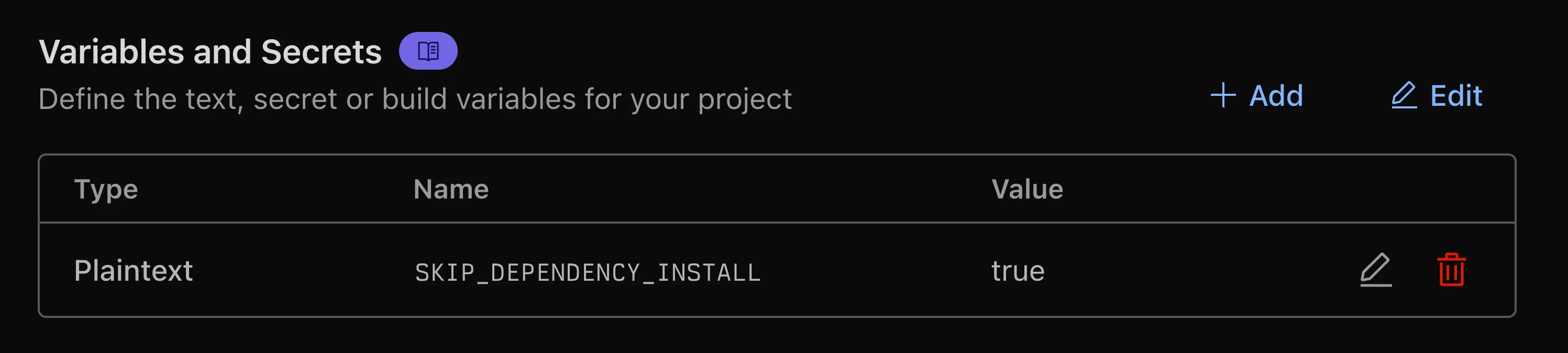
Set SKIP_DEPENDENCY_INSTALL=true environment variable Update build configuration to install manually install Bun during the build step by updating the Build command to:
npm install -g bun && bun install && bun run build
Build command configuration
Footnotes
When installing dependencies, the build log shows: “Installing project dependencies:
npm install --progress=false”. ↩