I want to use Claude to help me manage my projects on GitHub. It should be simple, right?
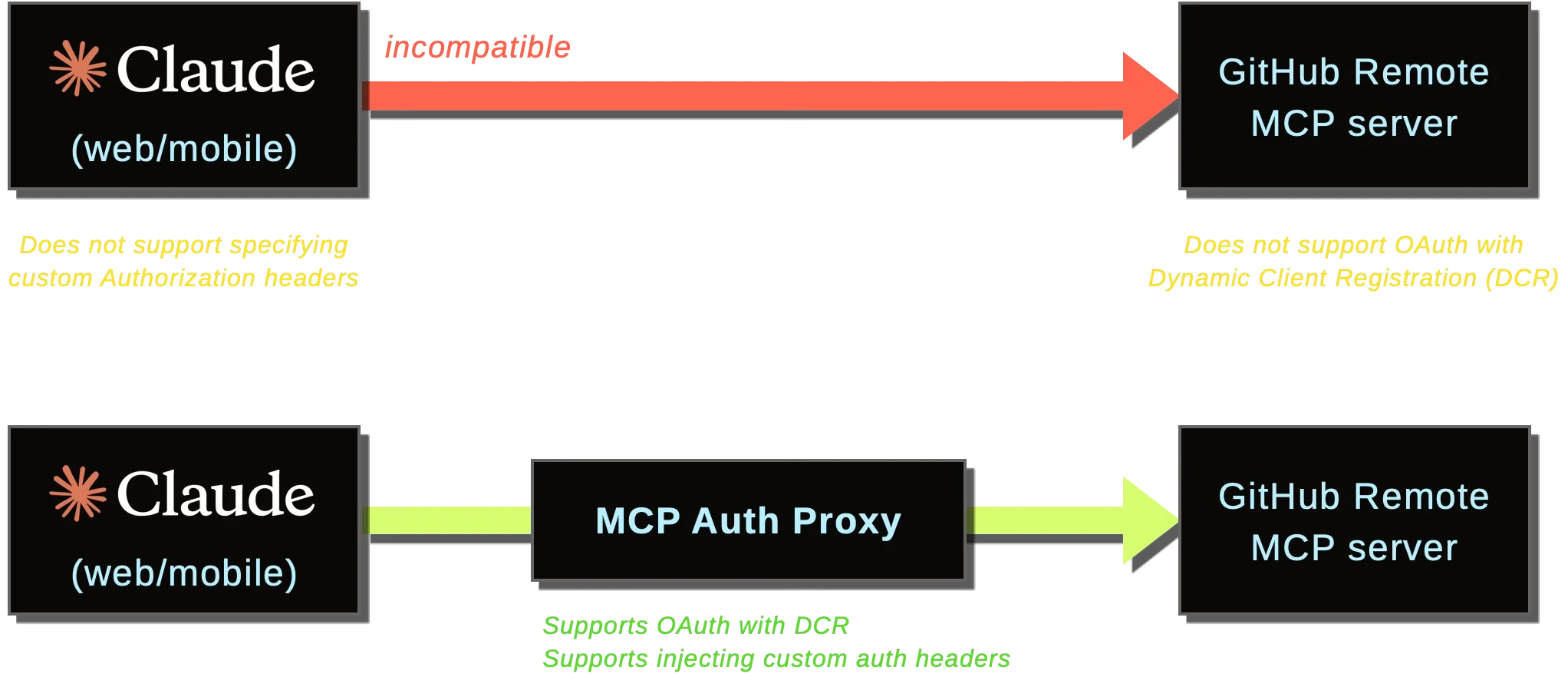
Problems
- Yes: Claude has built-in integration with GitHub.
- But: It does not support working with GitHub Projects.
- Yes: GitHub has an official MCP server that supports projects, and Claude supports using custom MCP servers.
- Yes: You can try add the remote MCP server in Claude Web by “Adding a custom connector” and specify
https://api.githubcopilot.com/mcpas the Remote MCP Server URL.- But: When clicking Connect, you get an unhelpful error message that says “There was an error connecting to GitHub. Please check your server URL and make sure your server handles auth correctly.”
- Yes: There is a local MCP server you can run on your machine.
- But: Claude Web only supports Remote MCP servers; Local MCP servers are not supported. I want to use the Remote MCP server because I want to be able to use Claude on the go.
- Yes: GitHub’s Remote MCP server does handle authentication.
- But: It requires specifying a custom Authorization header, which Claude Web does not support. Claude Web supports OAuth authentication with DCR (Dynamic Client Registration), which the GitHub MCP server does not support. It's 2025, AI is taking over the world, yet we still have to deal with OAuth headaches.
Workaround: MCP Auth Proxy
Thankfully, there is MCP Auth Proxy, a lightweight authentication proxy. It acts as a Remote MCP server with proper OAuth with DCR support, and it can forward requests to any local or remote MCP server, with support for custom Authorization headers.
This is my Docker Compose file for using with Dokploy:
services:
  authproxy:
    image: ghcr.io/sigbit/mcp-auth-proxy:v2.5.2
    restart: unless-stopped
    environment:
      - EXTERNAL_URL=https://${DOMAIN:?"DOMAIN missing"}
      - NO_AUTO_TLS=true
      - PASSWORD=${PASSWORD:?"PASSWORD missing"}
      - PROXY_BEARER_TOKEN=${GITHUB_TOKEN:?"GITHUB_TOKEN missing"}
    command: https://api.githubcopilot.com
    volumes:
      - data:/data
volumes:
  data:
Note that I used NO_AUTO_TLS=true and did not expose any ports because Dokploy automatically provisions TLS certificates and handles HTTPS termination for me.
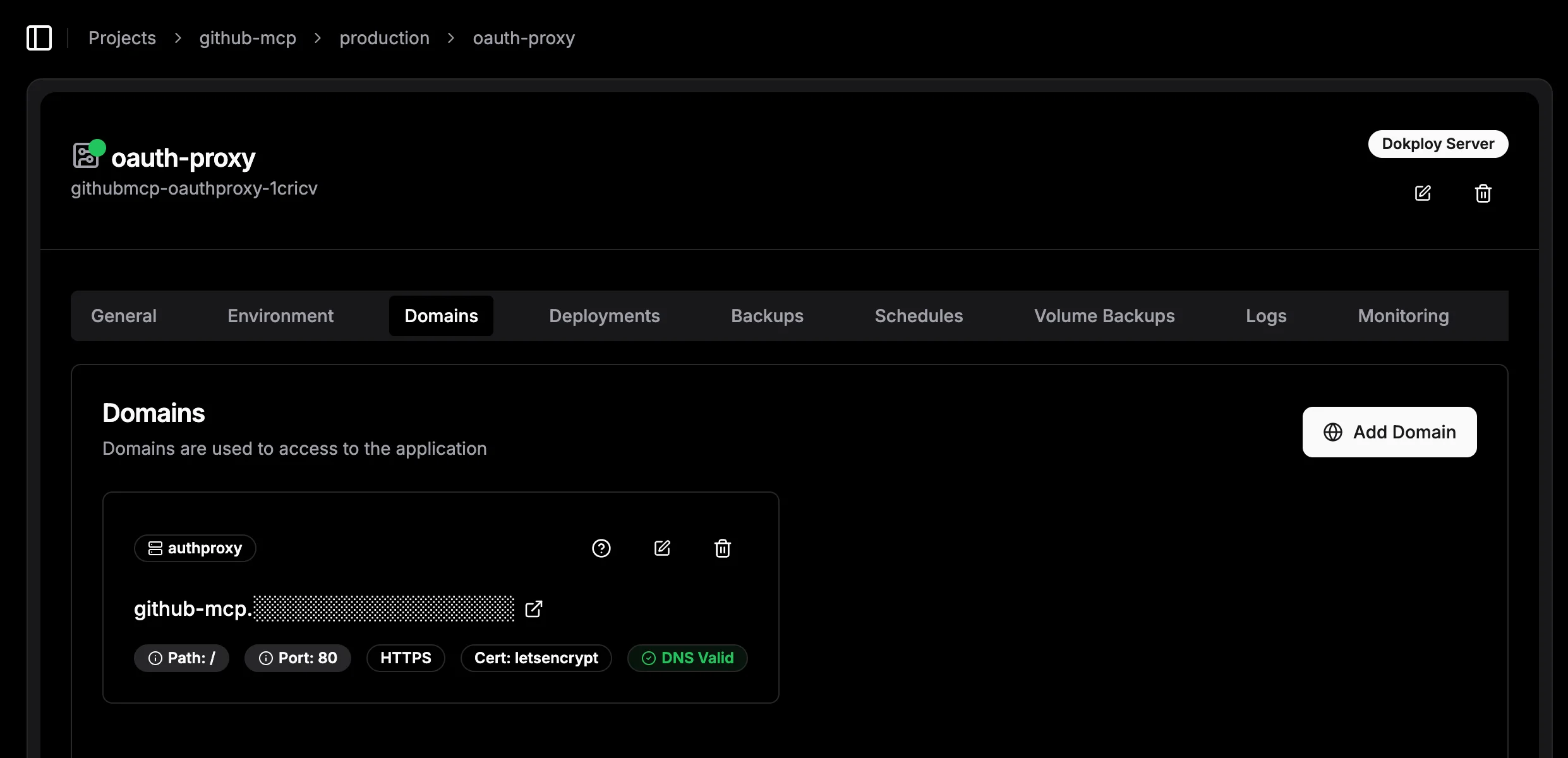
Set these environment variables:
# Set the password for authorizing the connection.
# When clicking "Connect" in Claude Web, you will be prompted to enter this password.
PASSWORD=

# Set the domain where this proxy will be accessible.
DOMAIN=

# Set a GitHub Personal Access Token (PAT).
GITHUB_TOKEN=
When adding a custom connector in Claude Web, refer to GitHub Remote MCP Server reference for the list of API URLs. Just change the domain to point to your MCP Auth Proxy instance. For example,
Instead of using:
https://api.githubcopilot.com/mcp/x/projectsuse:
https://github-mcp.your-domain.tld/mcp/x/projects
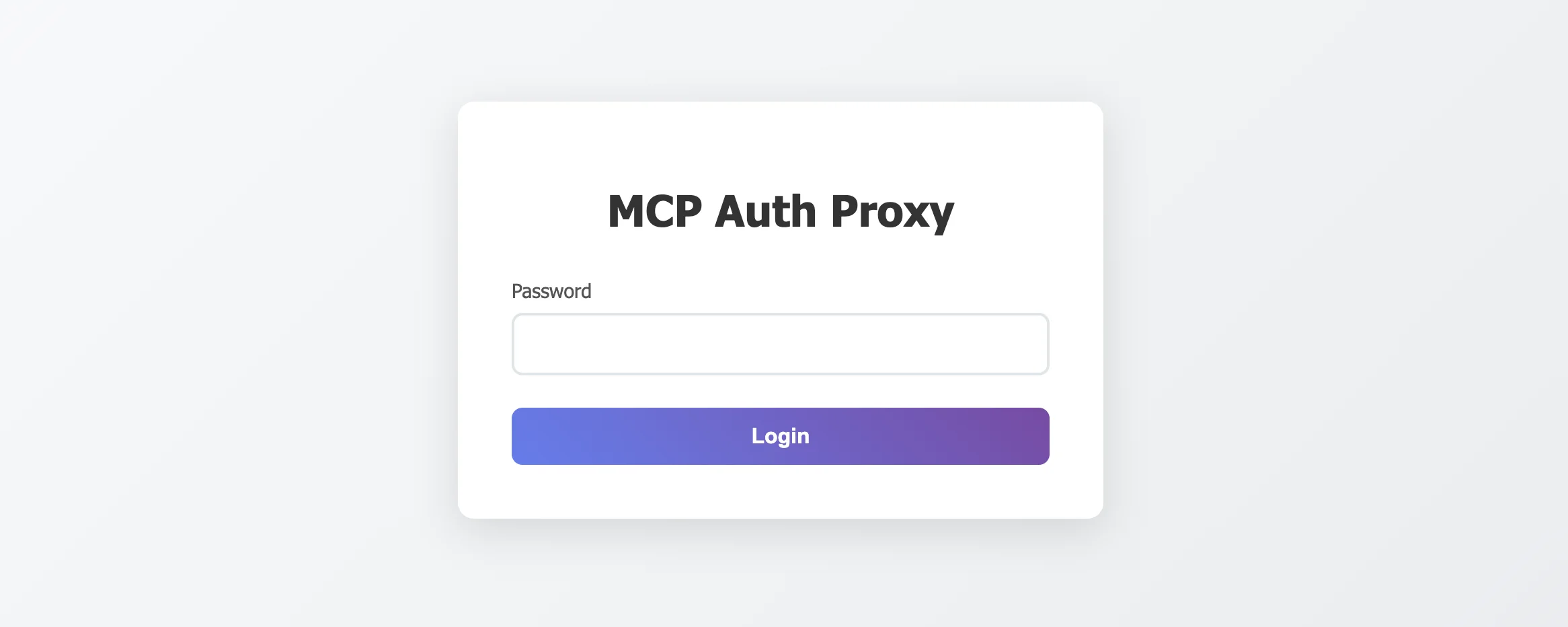
When clicking Connect, you will be prompted to enter the password you set in the PASSWORD environment variable:
Alternatively, you can set up custom OAuth authentication to be used instead of a password. Once all set, the MCP Auth Proxy will take care of the OAuth flow and inject the required Authorization headers when forwarding requests to GitHub’s Remote MCP server.