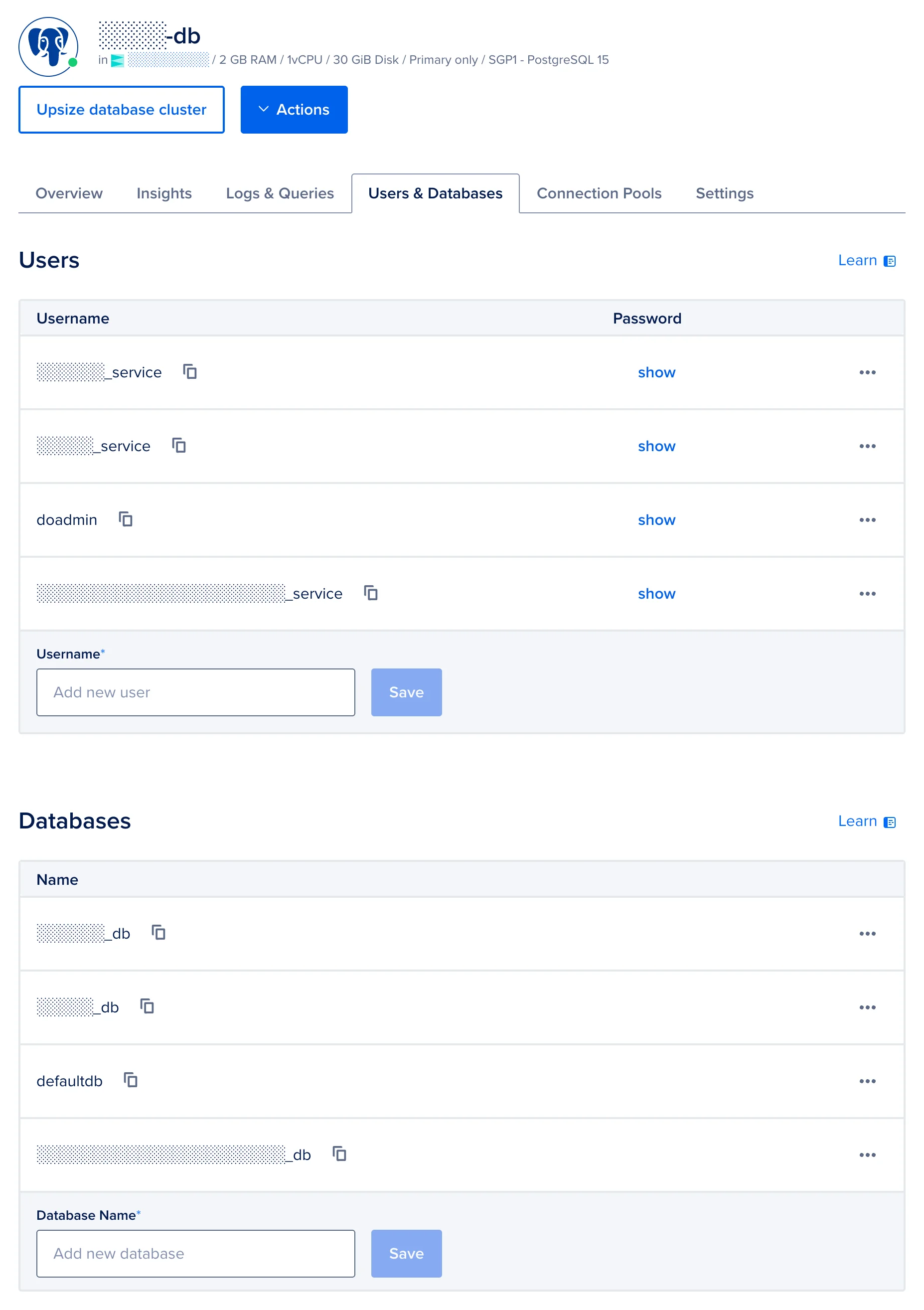
DigitalOcean has a managed PostgreSQL service. In the web console, you can create users, and you can create databases. However, the users created do not have access to any databases.
This is how I set up permissions for users to access databases:
Obtain the connection string:
- Go to the Overview tab
- Under Connection Details, select “Connection string”
- Set User: to
doadmin - Set Database/Pool: to
defaultdb
Then click Copy.
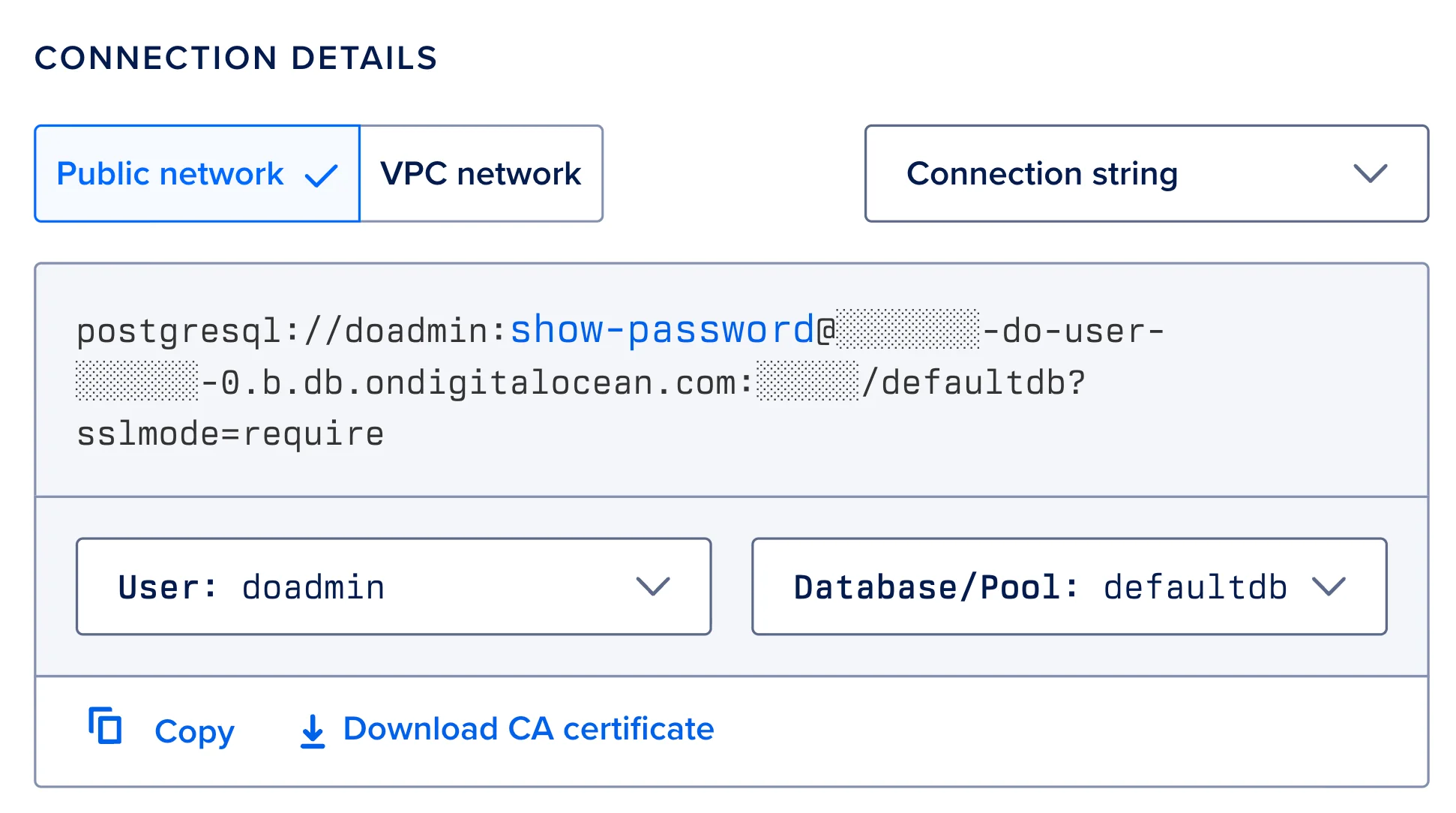
Obtaining the connection string Connect to the database using
psql:# --dbname accepts a connection string # Ref. https://www.postgresql.org/docs/current/libpq-connect.html#LIBPQ-CONNSTRING psql --dbname $DATABASE_URLTo give a user full access to a database (e.g.,
my_serviceuser accessingmy_db):-- Grant all privileges on the database GRANT ALL PRIVILEGES ON DATABASE my_db TO my_service; -- Connect to the target database \c my_db -- Grant all privileges on the public schema GRANT ALL ON SCHEMA public TO my_service;Or for read-only access:
GRANT CONNECT ON DATABASE my_db TO readonly_user;
GRANT USAGE ON SCHEMA public TO readonly_user;
GRANT SELECT ON ALL TABLES IN SCHEMA public TO readonly_user;
GRANT SELECT ON ALL SEQUENCES IN SCHEMA public TO readonly_user;
ALTER DEFAULT PRIVILEGES IN SCHEMA public GRANT SELECT ON TABLES TO readonly_user;
ALTER DEFAULT PRIVILEGES IN SCHEMA public GRANT SELECT ON SEQUENCES TO readonly_user;
If the user will be creating their own objects, they only need privileges on the database and schema. The ALTER DEFAULT PRIVILEGES commands are unnecessary since they'll own the objects they create.