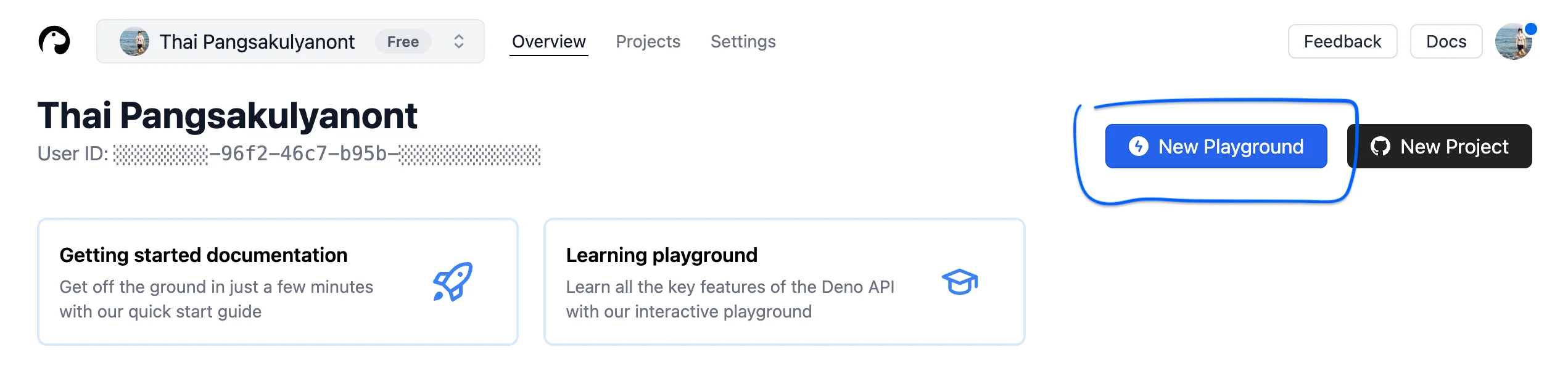
Sometimes I need to quickly deploy a small API endpoint without the overhead of setting up a full server. Deno Deploy is perfect for this. Upon logging in, you create a New Playground, which lets you write and test your code directly in the browser.
To use Elysia, just import { Elysia } from 'npm:elysia' and export default your Elysia app. Deno automatically detects the export default and runs your app.
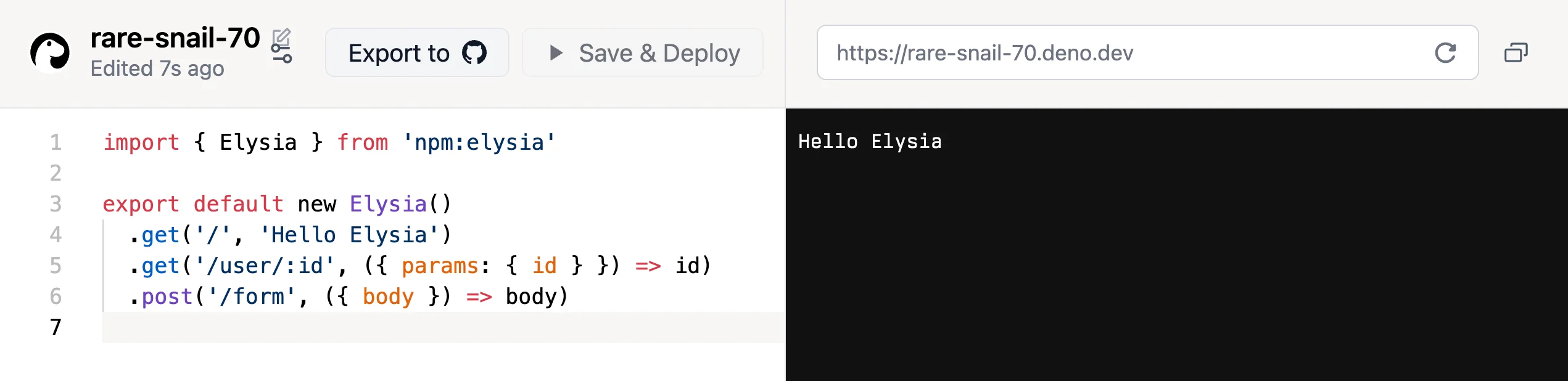
Here’s a simple example:
import { Elysia } from 'npm:elysia'

export default new Elysia()
  .get('/', 'Hello Elysia')
  .get('/user/:id', ({ params: { id } }) => id)
  .post('/form', ({ body }) => body)