@lsnr
@lsnr is a LINE chatbot that transcribes speech to text.

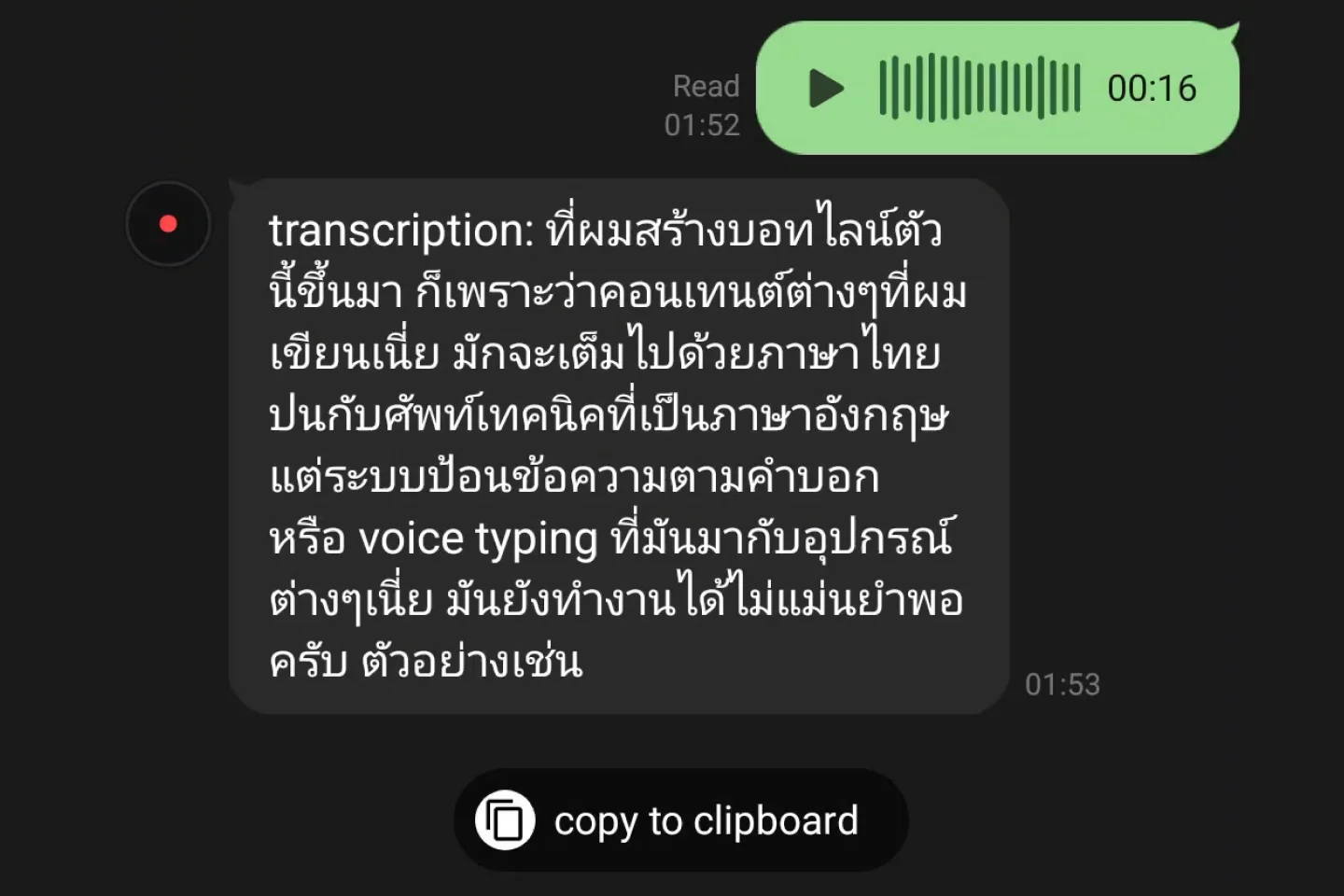
@lsnr transcribes your voice messages
Send it a voice message and get back a transcription. Tap “copy to clipboard” to quickly copy the transcription.

Better transcription quality
@lsnr can accurately transcribe technical terms and mixed English-Thai speech, powered by Google's Gemini model.
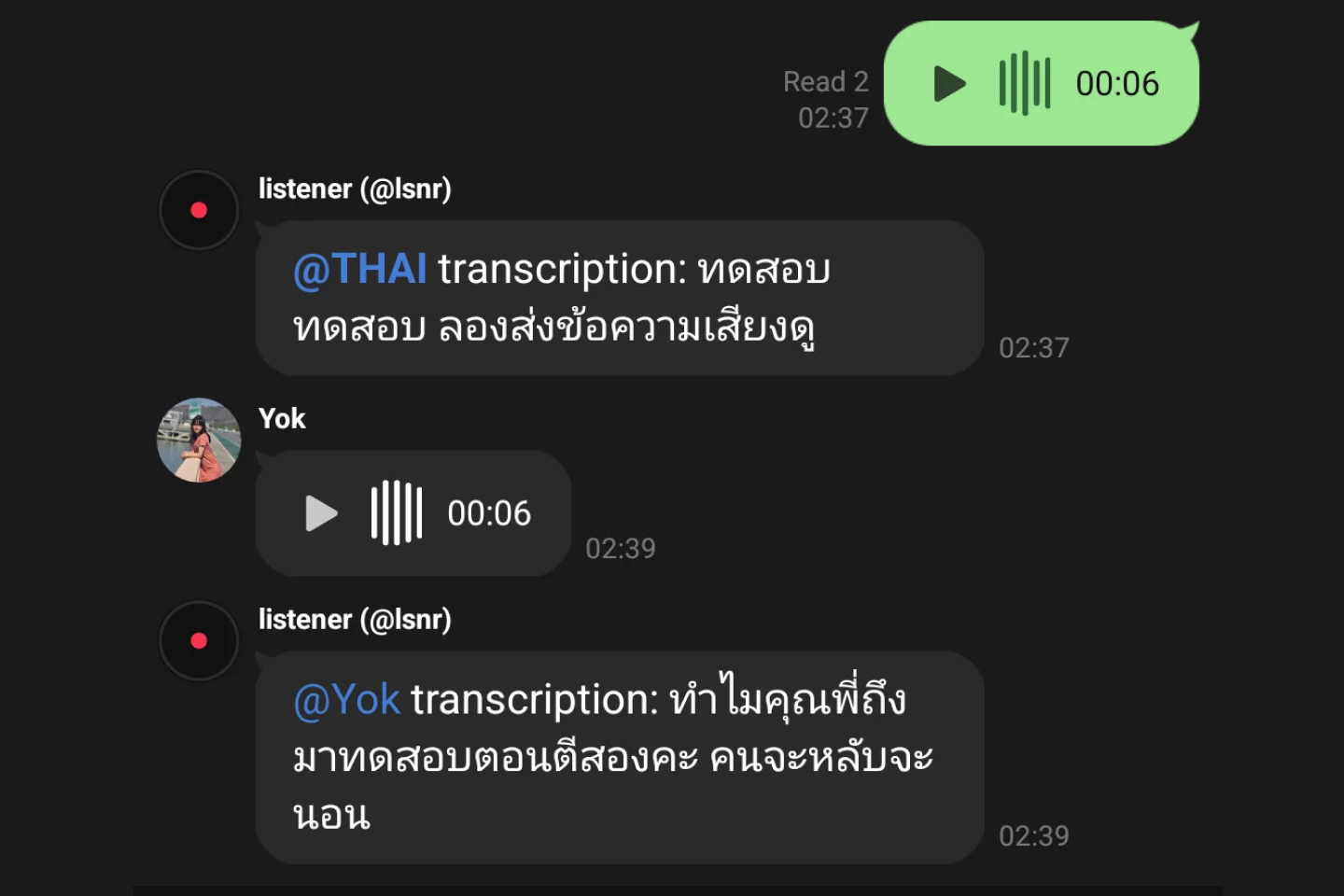
Group chat support
Invite @lsnr to your LINE group chats to have it transcribe voice messages for everyone.
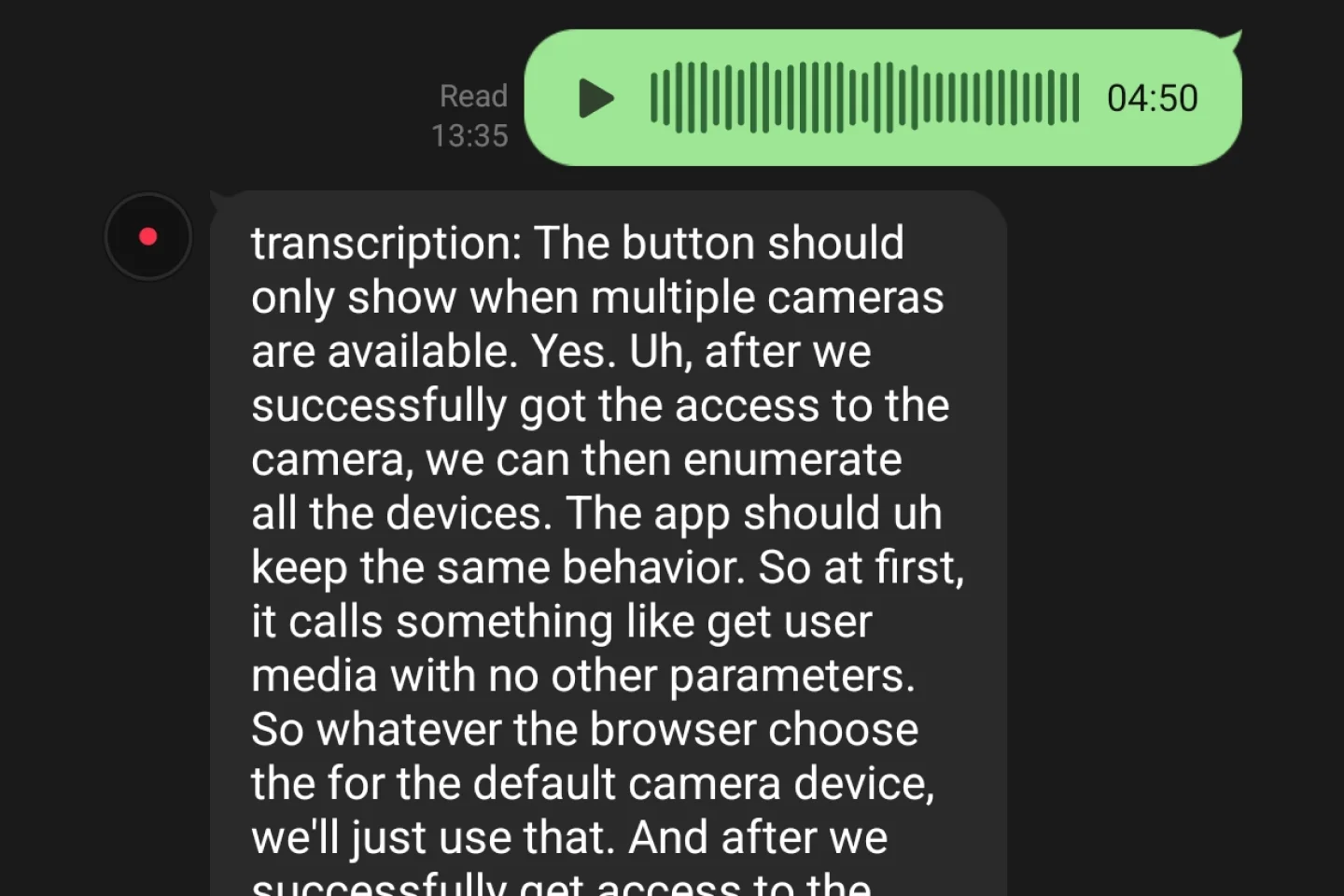
Transcribe up to 10 minutes
Take your time to speak. Pause as needed. @lsnr can handle voice messages up to 10 minutes long.
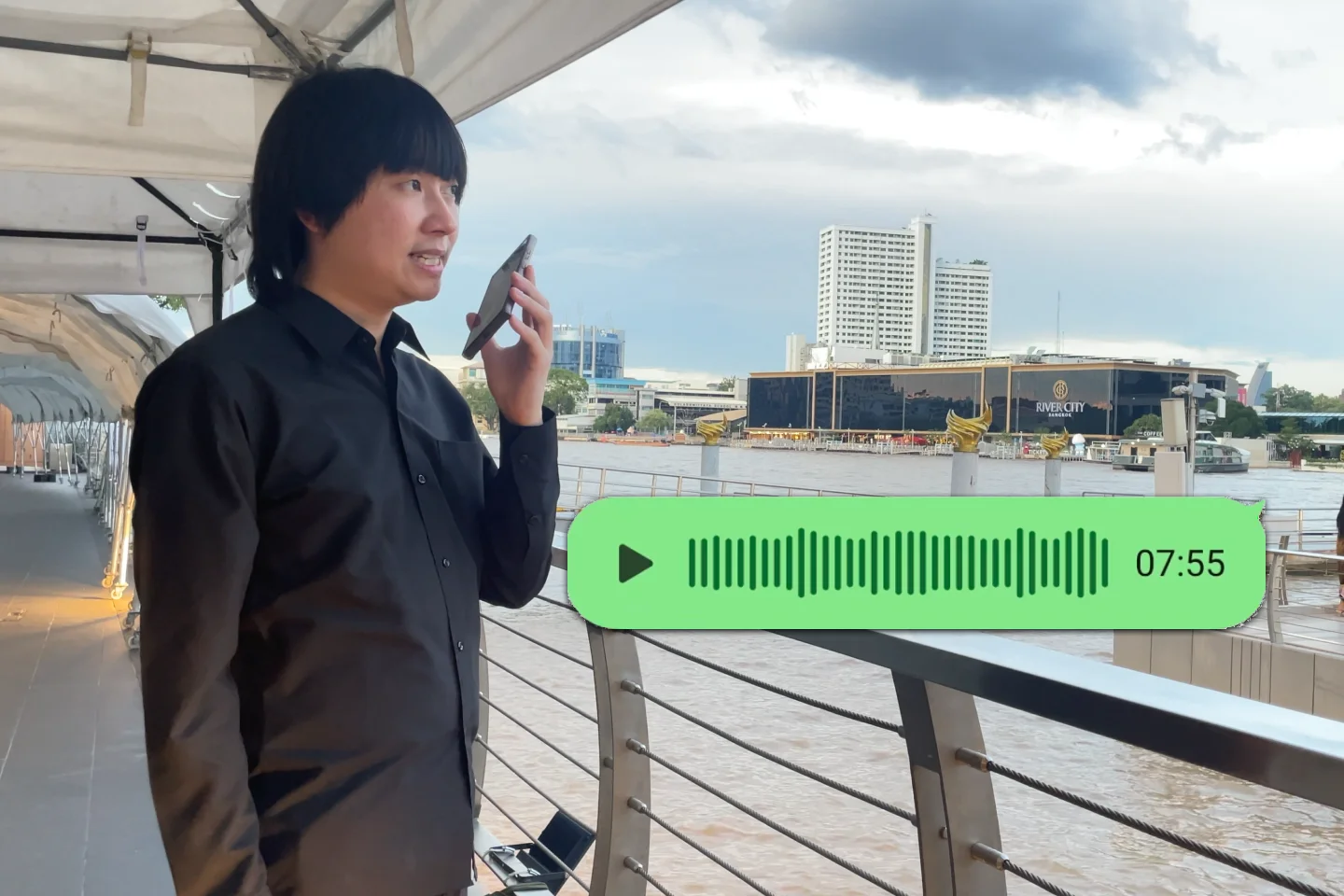
Your voice memo
Record on the go and access your transcriptions from any device where you use LINE. Perfect for brain-dumping ideas.
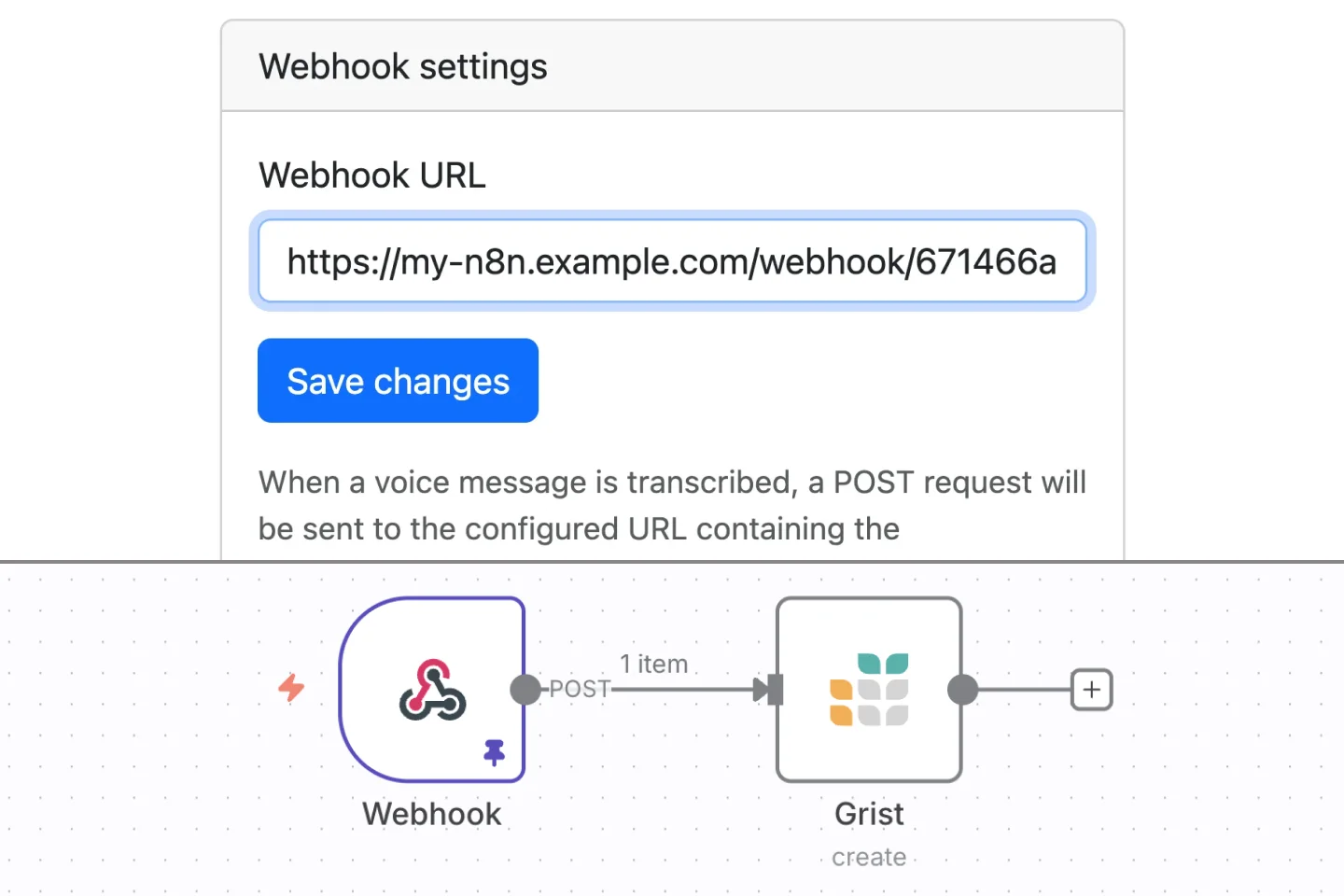
Webhooks
Power users can configure a webhook URL to integrate @lsnr into a custom workflow.
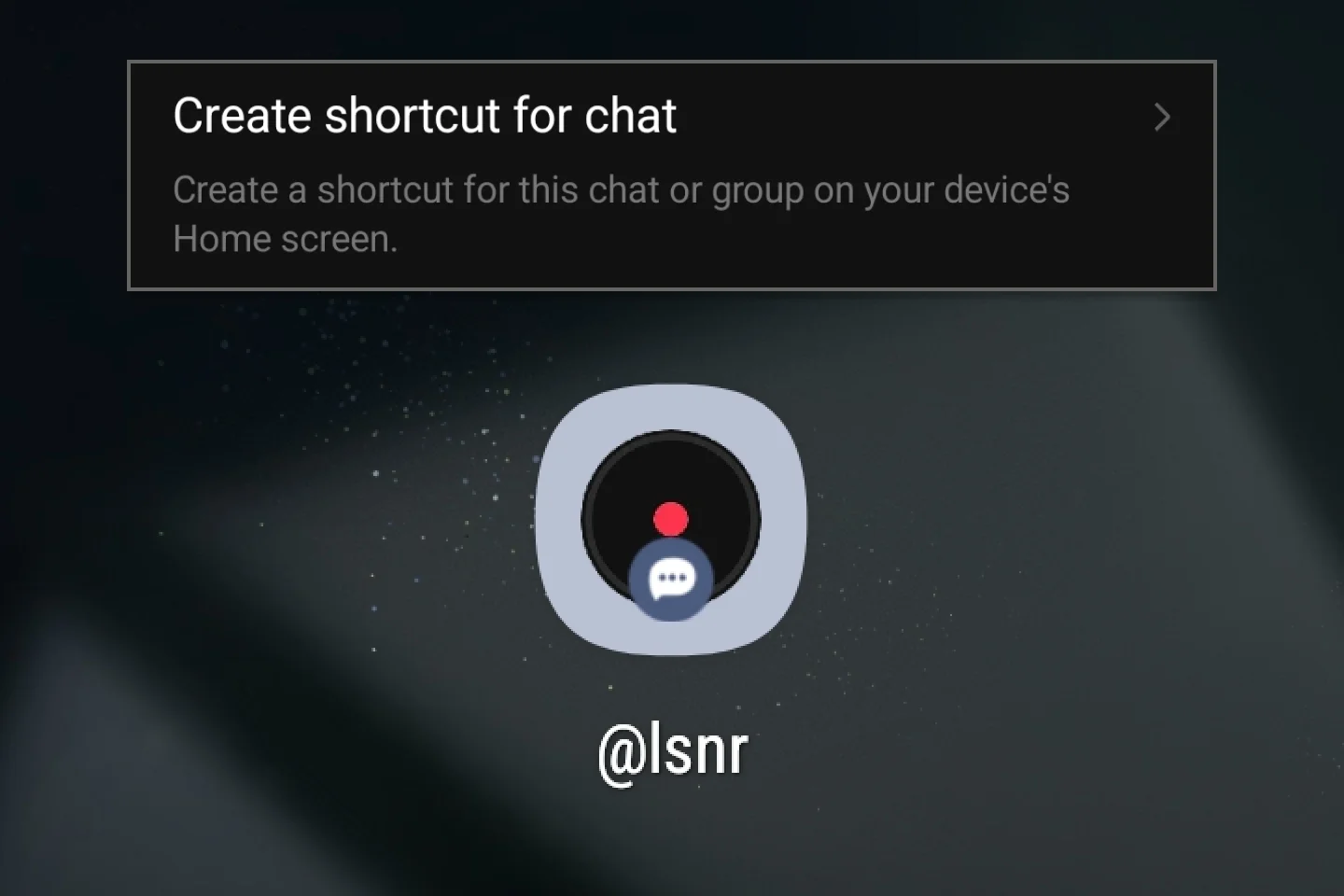
Add to home screen for quick access
Go to
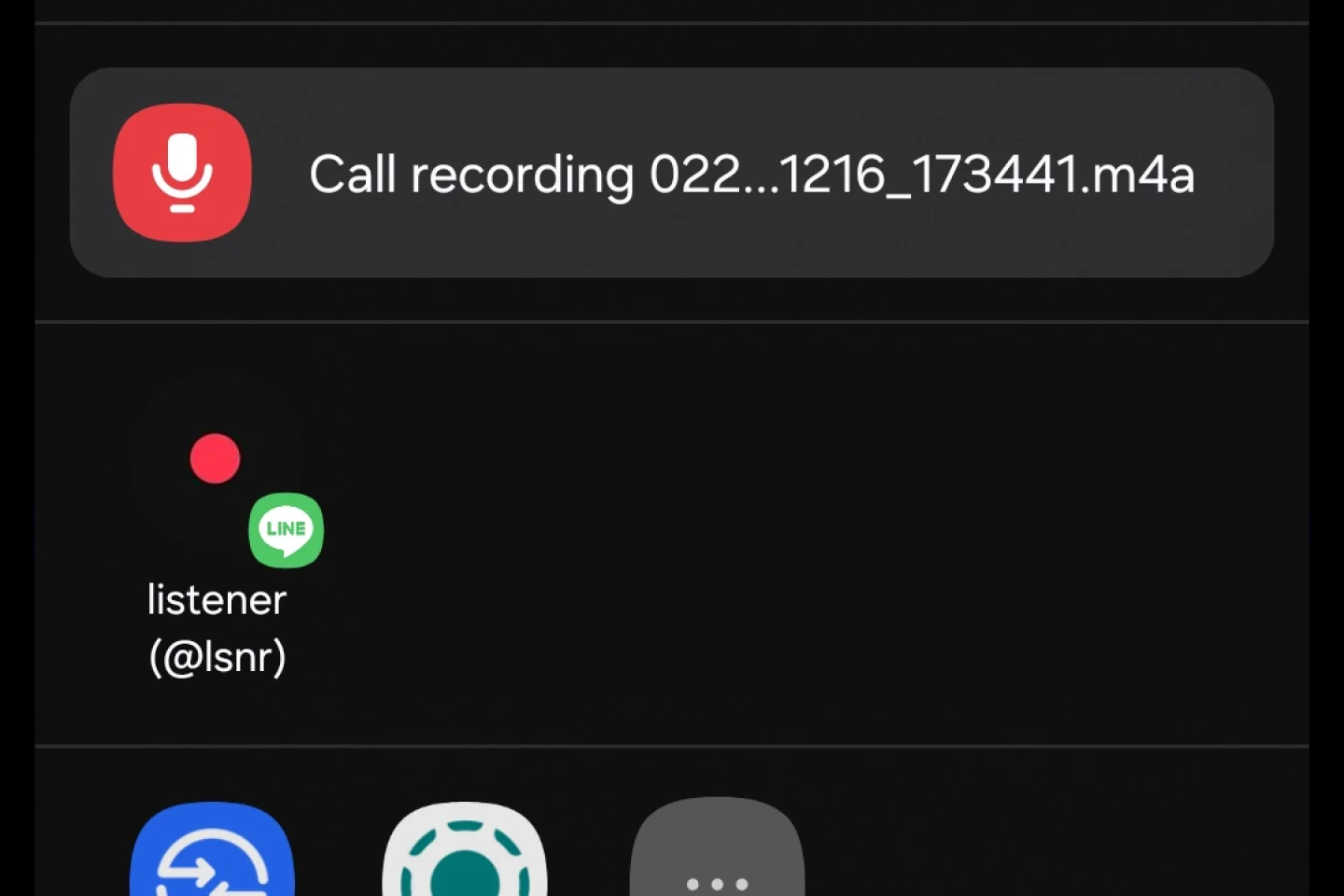
Share to @lsnr from other apps
You can use your phone's
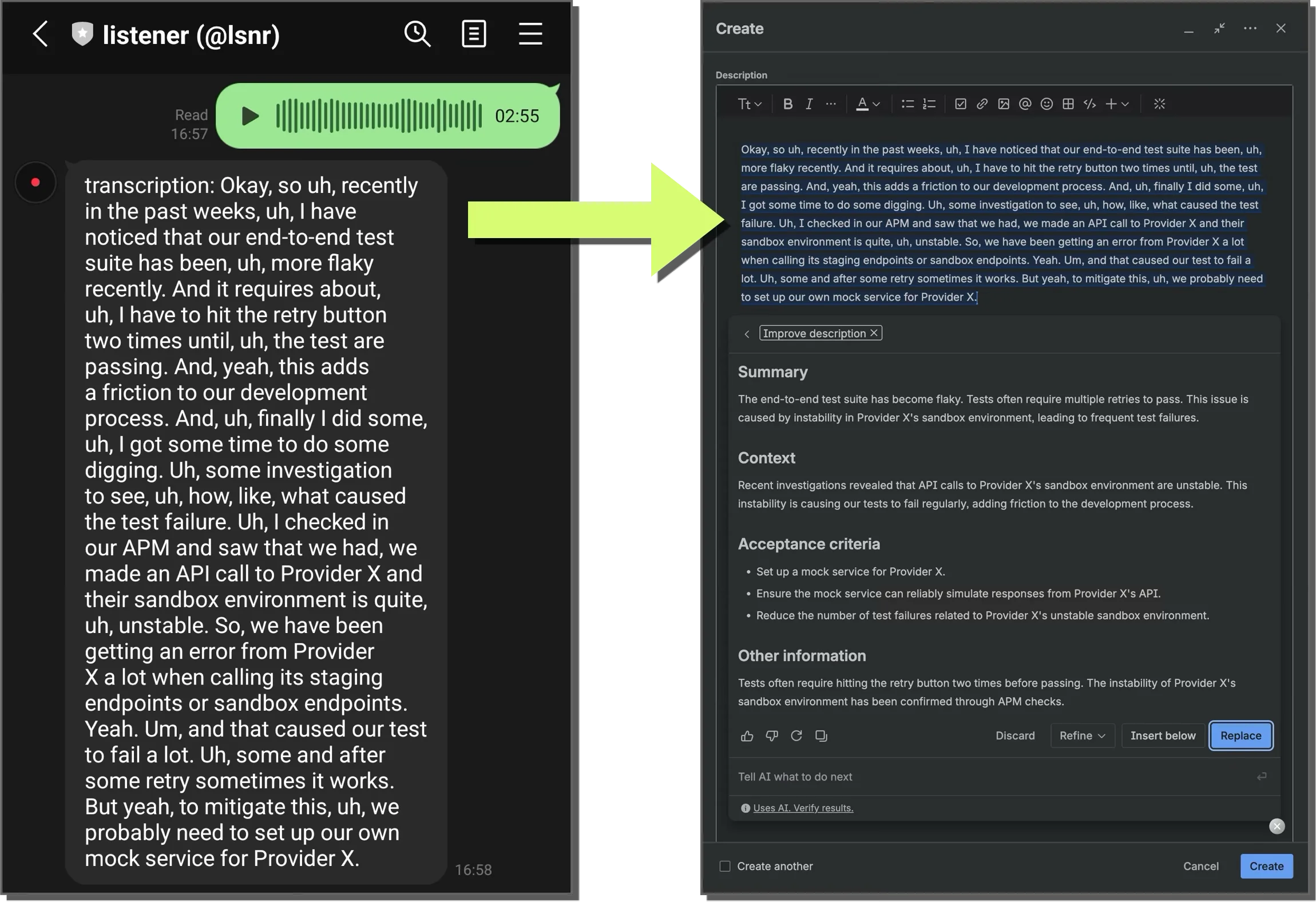
Example use case
When creating a Jira issue, I first do a brain dump by picking up my phone and talk to @lsnr about the situation while walking around (it helps me to get thoughts out of my head!), then I let Atlassian Rovo draft the issue description based on my yapping.
Price
Currently, @lsnr is free to use with rate limiting in place to keep this hobby project sustainable. However, I may introduce a paid plan in the future to cover operational costs.
Add @lsnr on LINEhttps://line.me/R/ti/p/%40lsnr
Usage Notes
Support, Performance and Safety
- This chatbot relies on Google's Gemini API and I have no direct control over the model's behavior or performance, so transcription quality may vary. I chose to use their model because, based on my own research, it outperforms the other alternatives for my use cases.
- Safety filters from Google may block transcriptions that potentially violate their Prohibited Use Policy.
- No support is provided. This chatbot is a hobby project and I cannot guarantee its availability or performance. If you encounter any issues, please try again later or use alternative methods. If you personally know me, feel free to give me feedback, but I cannot guarantee that I will be able to help.
- Length: For best result and performance, avoid sending voice messages longer than 5 minutes.
Alternative Method (Free)
- You can achieve similar voice-to-text functionality for free by directly using Google AI Studio.
Privacy and Data Handling
- We do not store your audio files or transcribed text — during processing, @lsnr downloads your voice message from LINE, send it to Gemini API, receive the result, and pass it back to LINE. After that, both the audio and text are immediately discarded from our servers. (Therefore, if you lose your audio / text messages, we cannot recover them for you.)
- We collect usage statistics (user id, time, duration, message length, etc) for debugging and service improvement purposes. They do not include your actual audio or text content.
- Your data is processed by Google APIs according to their terms: