Managing Knowledge Publicly: Unlocking Unexpected Growth
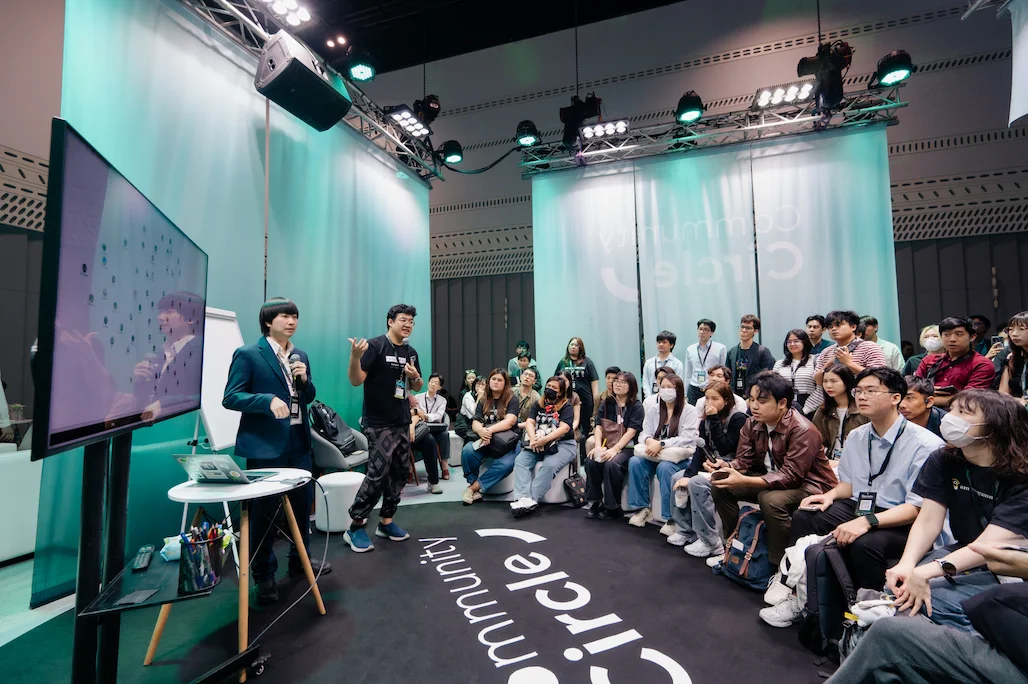
Community Circle session at KBTG Techtopia 2025, representing Creatorsgarten with Poom (tldraw digital whiteboard), about Personal Knowledge Management (PKM), Learning in Public, and Digital Gardening.
See also: Summary in Thai language and session photos (summarized by Yok Papatsiri)
Session Summary
This session explored three interconnected approaches to knowledge management and sharing:
Personal Knowledge Management (PKM)
The growing trend of “building a second brain” with various organizational approaches. Some people thrive with structured systems like Zettelkasten or P.A.R.A., but for those who struggle with organization, unstructured linking (Wikipedia-style) or AI-powered search can be more sustainable alternatives.
Learning in Public
Sharing your learning process and knowledge can create unexpected opportunities and connections. This doesn’t require becoming a polished content creator; it’s about creating “learning exhaust” and “friendcatchers” that help both you and others while building your professional network.
Digital Gardening
An accessible entry point to learning in public. Unlike blogs where posts get “drowned in time,” digital gardens are living spaces where pages can be continuously updated and grown, optimized for personal search and sharing rather than traditional publishing.
Theme 1: Personal Knowledge Management (PKM)
Different people thrive with different organizational systems: some need structured methodologies while others work better with flexible, unstructured approaches.
Organization approaches
- Structured: CODE / P.A.R.A. / Zettelkasten
- Unstructured: Linked notes (Wikipedia-style)
- Unorganized: Rely on search & AI
Resources
- Build a Second Brain (BASB)
- Darin Suthapong (YouTube): Videos about Second Brain, Obsidian, Zettelkasten, Productivity
Theme 2: Learning in Public
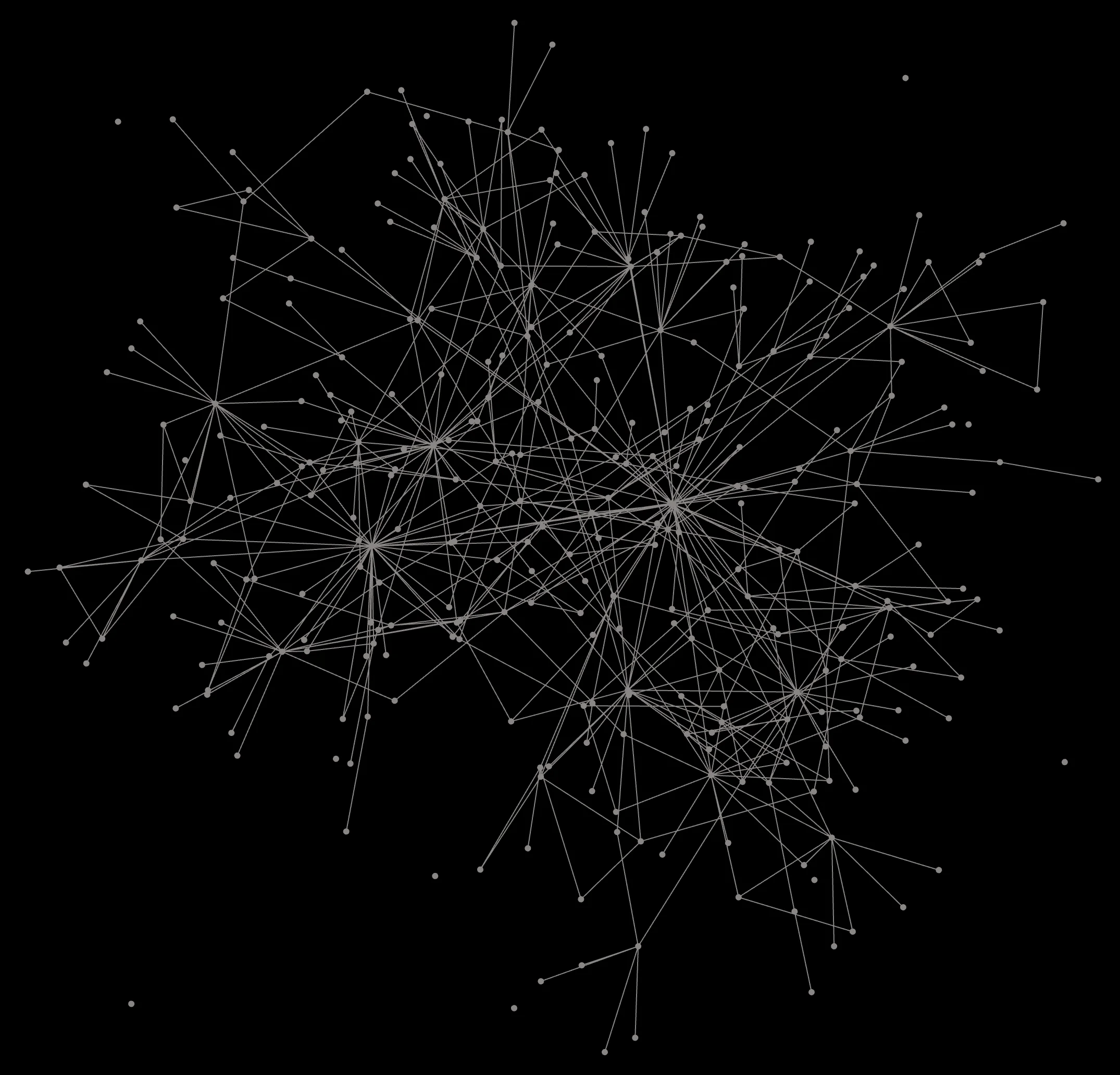
Putting most of my notes in public allows me to easily share knowledge and examples when friends and colleagues ask me questions, allows me to quickly recall information, as well as providing a way for people to see evidence of my experience.
Resources
- Learn in Public by swyx (Thai translation)
- How to Create Luck
- How to Market Yourself (without being a celebrity)
- Friendcatchers
- เป็นเดฟยังไง ให้คนจำได้ by MikkiPastel
- วงแหวนเว็บ - Thai webring encouraging personal websites
Theme 3: Digital Gardening
Digital gardens offer a more accessible alternative to traditional content creation. Unlike blogs and social media where posts get buried over time, digital gardens are living spaces where pages can be continuously grown and updated, optimized for personal search and knowledge sharing rather than chronological publishing.
Resources
Tools for Obsidian users
- Obsidian Publish (paid service)
- Quartz (free)
- Digital Garden Plugin (free)
Poom's PKM & Digital Garden
Poom demonstrated his multi-layered approach to knowledge management:
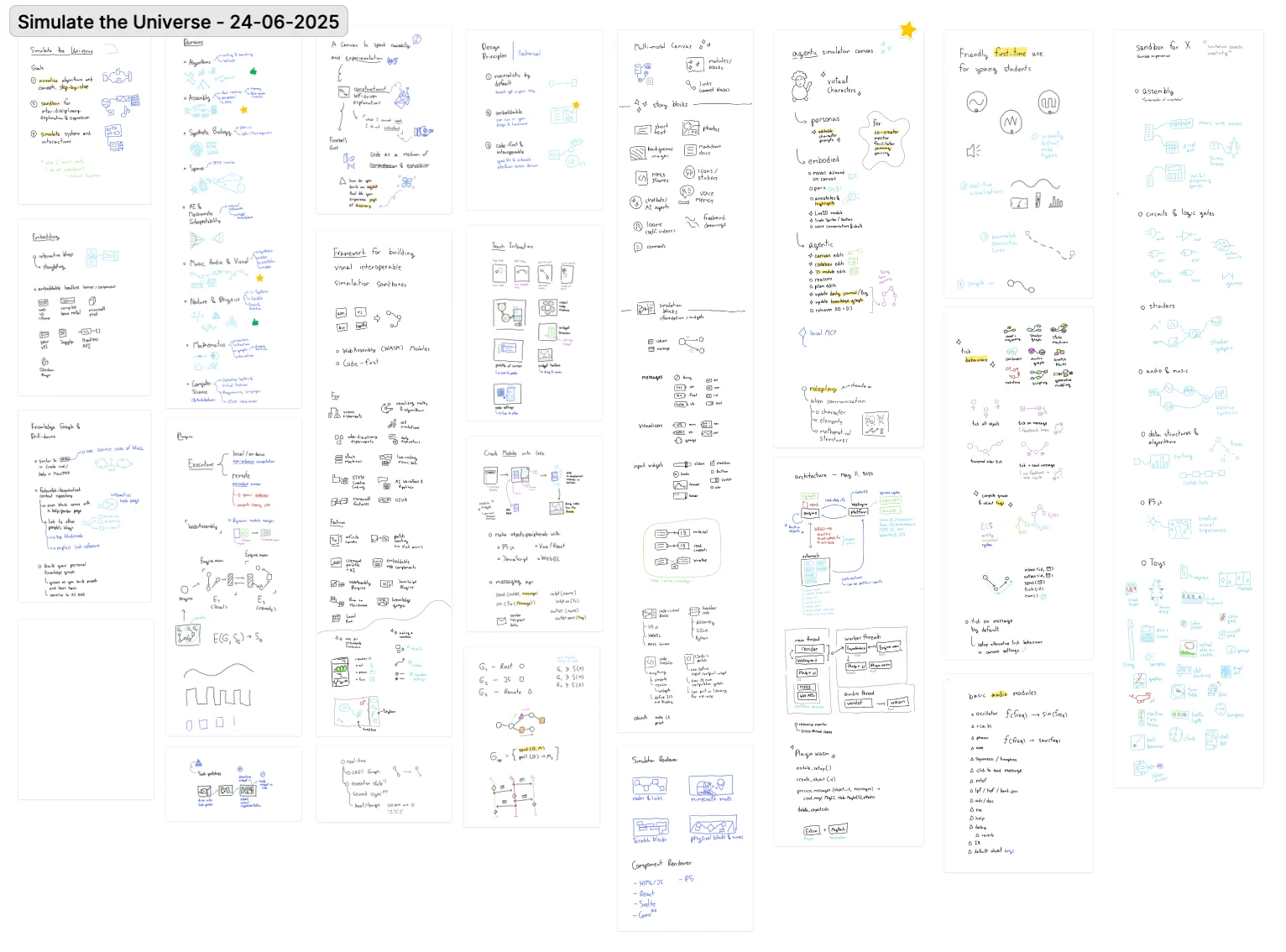
- Handwritten notes in reMarkable: Poom always carries his reMarkable tablet, ready to capture any inspiration instantly (image)
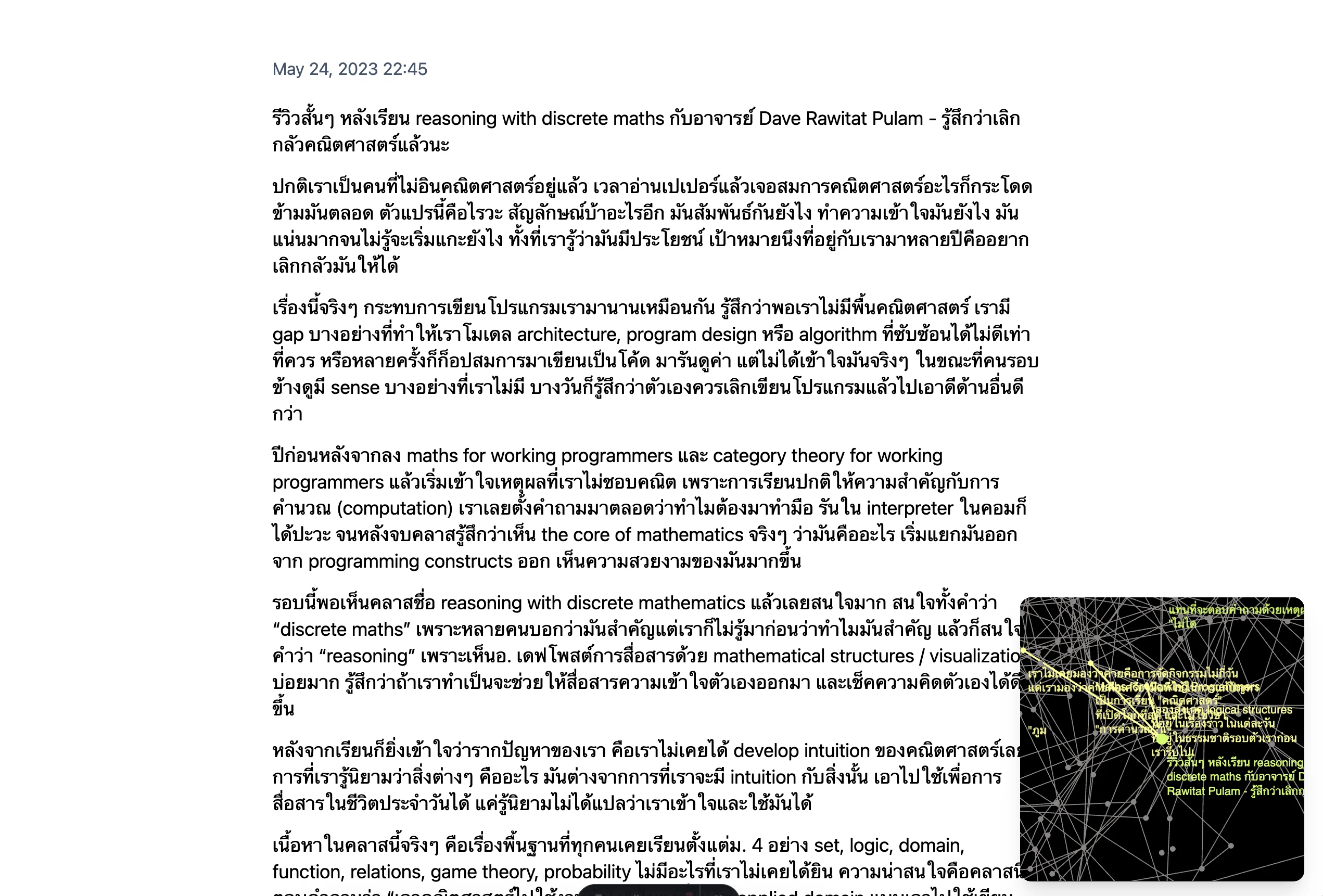
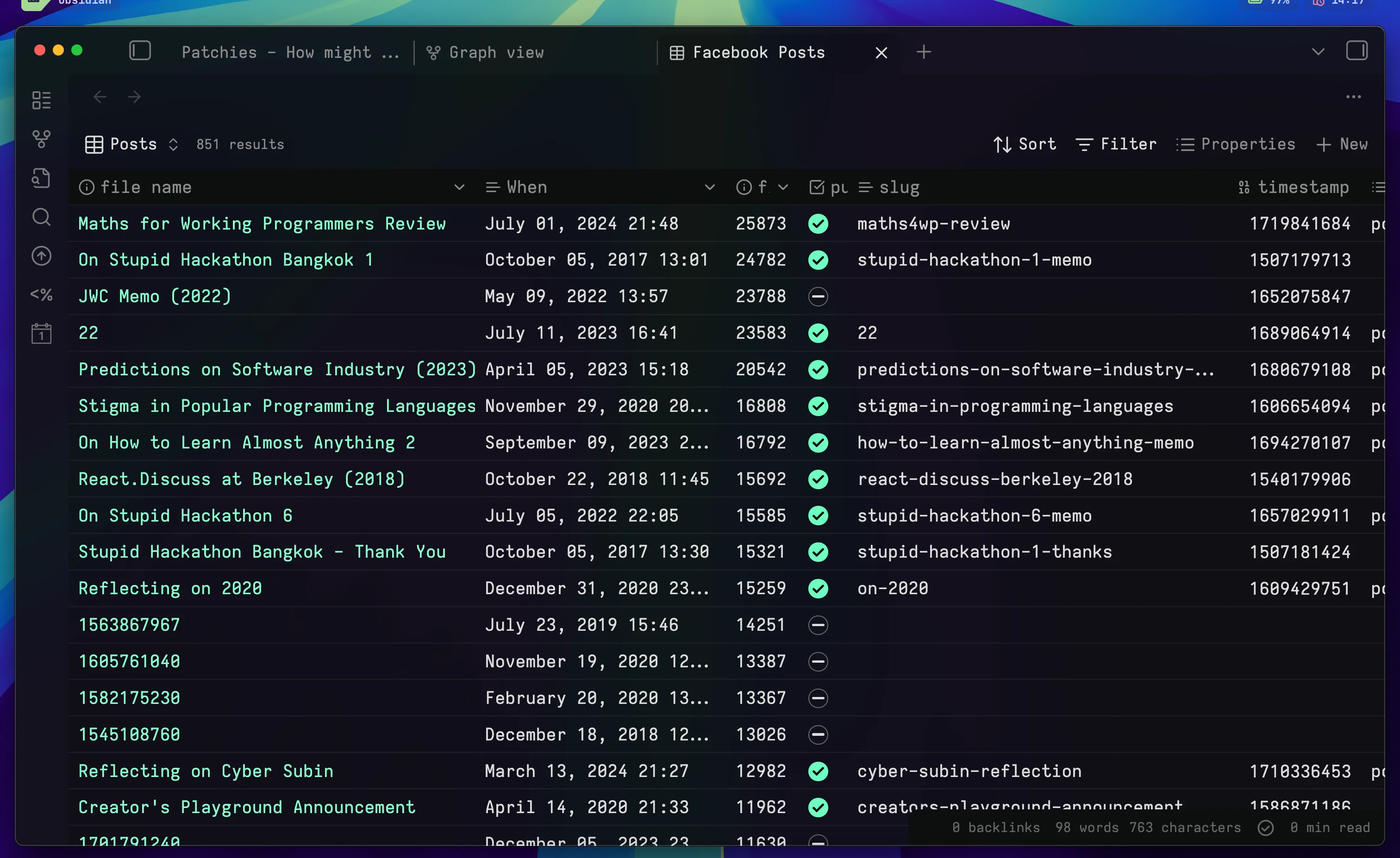
- Facebook post archive: Poom has a database of past posts, converted into vectors using text embedding models, allowing similar content to be automatically surfaced without manual linking or organization (image).
- Vision board in FigJam: For vision goals and idea mapping.
- Obsidian vault: Poom uses Obsidian for text-based knowledge management and publishes some notes to his digital garden.
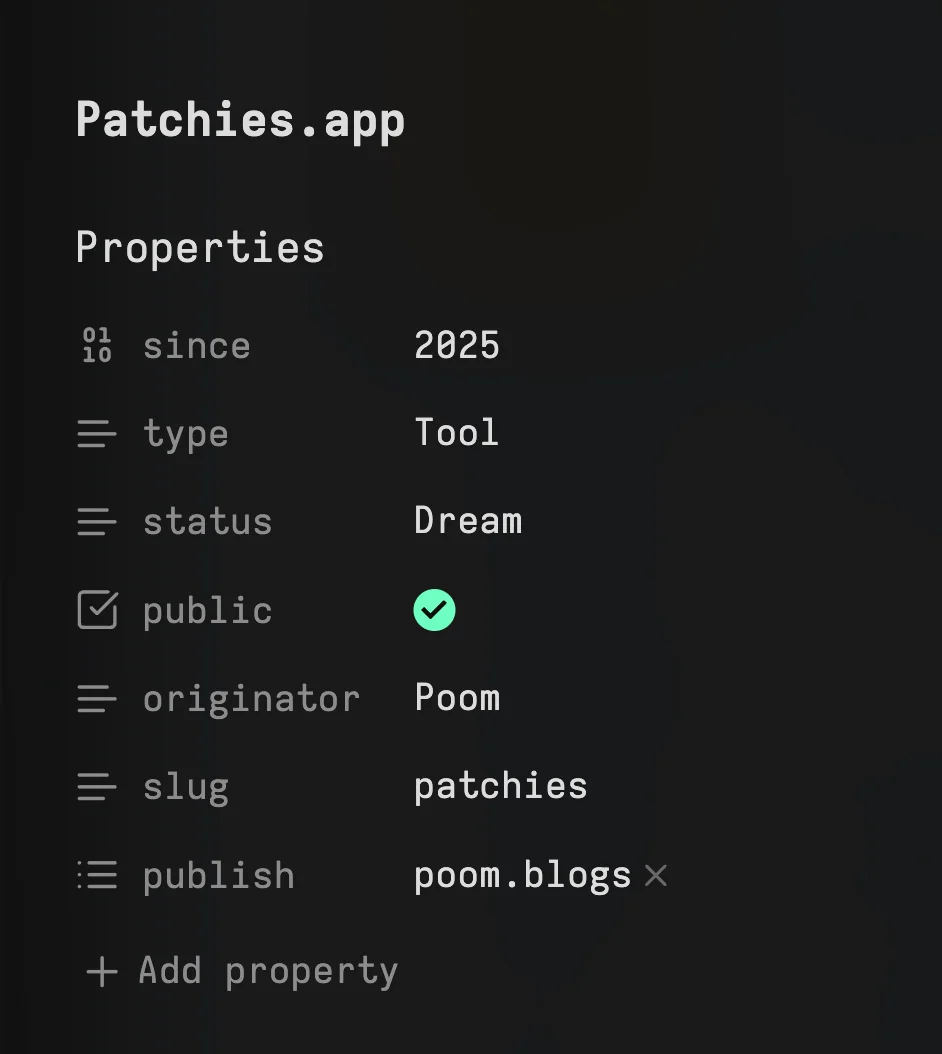
- Properties are used to add metadata to notes, allow for filtering and determining which notes should be published (image)
- Tags are used for categorizing notes more flexibly than using folders (demo)
- Obsidian Base is used for discovering notes based on criteria. For example, finding longest notes (image).
Thai’s PKM & Digital Garden
My notes system and digital garden uses an unstructured approach with flat file organization and extensive linking. The system is optimized for instant search functionality, allowing quick retrieval of notes that would otherwise get drowned in the timeline.
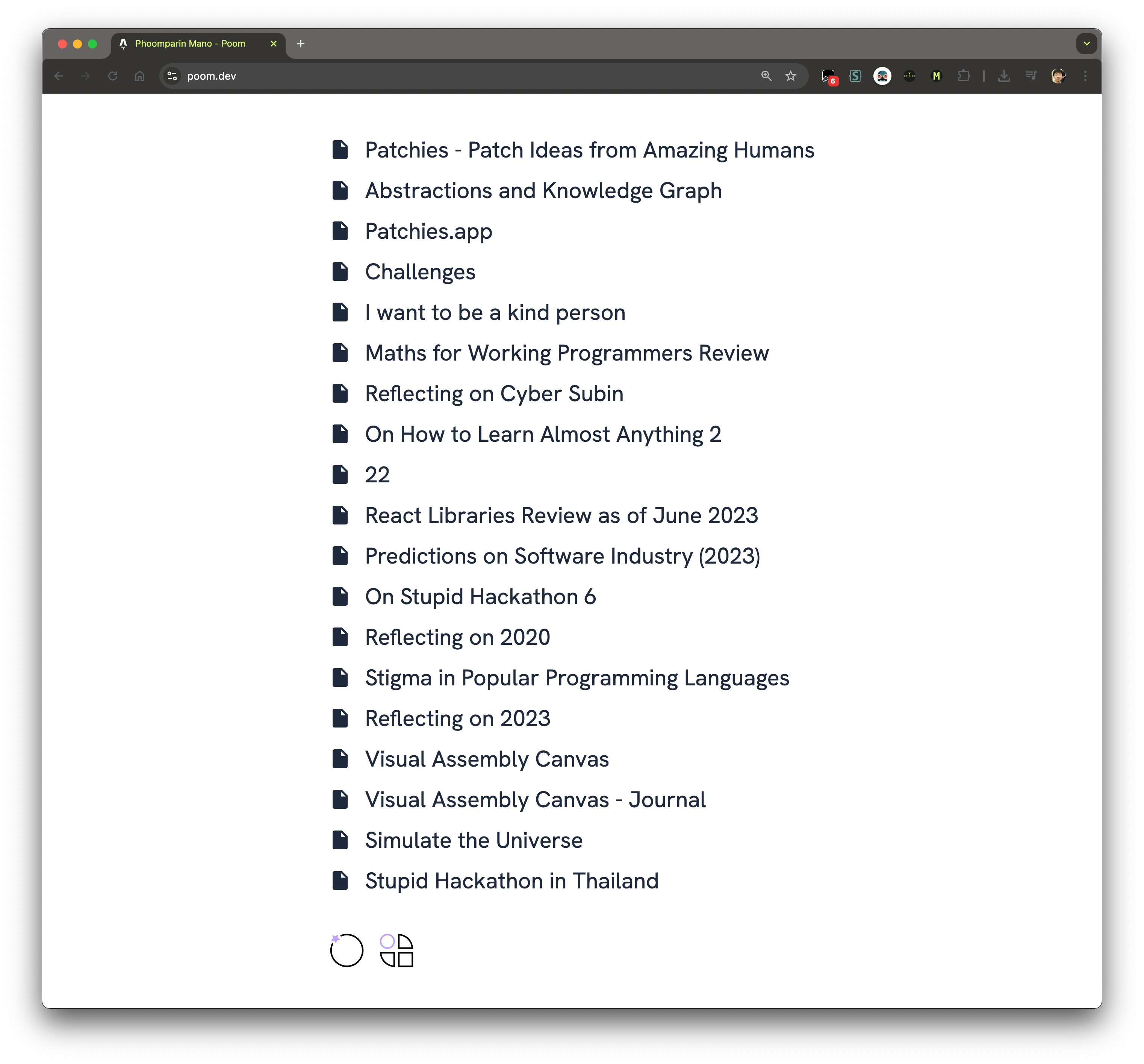
- Problem-solution documentation: Sometimes I note down how I solve some problems. I position myself as a learner rather than an expert. I write them from my 1st person perspective, rather than a tutorial or a full-blown article (example).
- Code snippet references: Sometimes I copy the code snippets from documentation into my digital garden so that I can find it more quickly (example).
- Content rescued from social media: Sometimes useful content posted in social media got buried in the timeline. I moved it to my garden so I can easily find it and share it with others (example, source).
Other Custom-Built Gardens
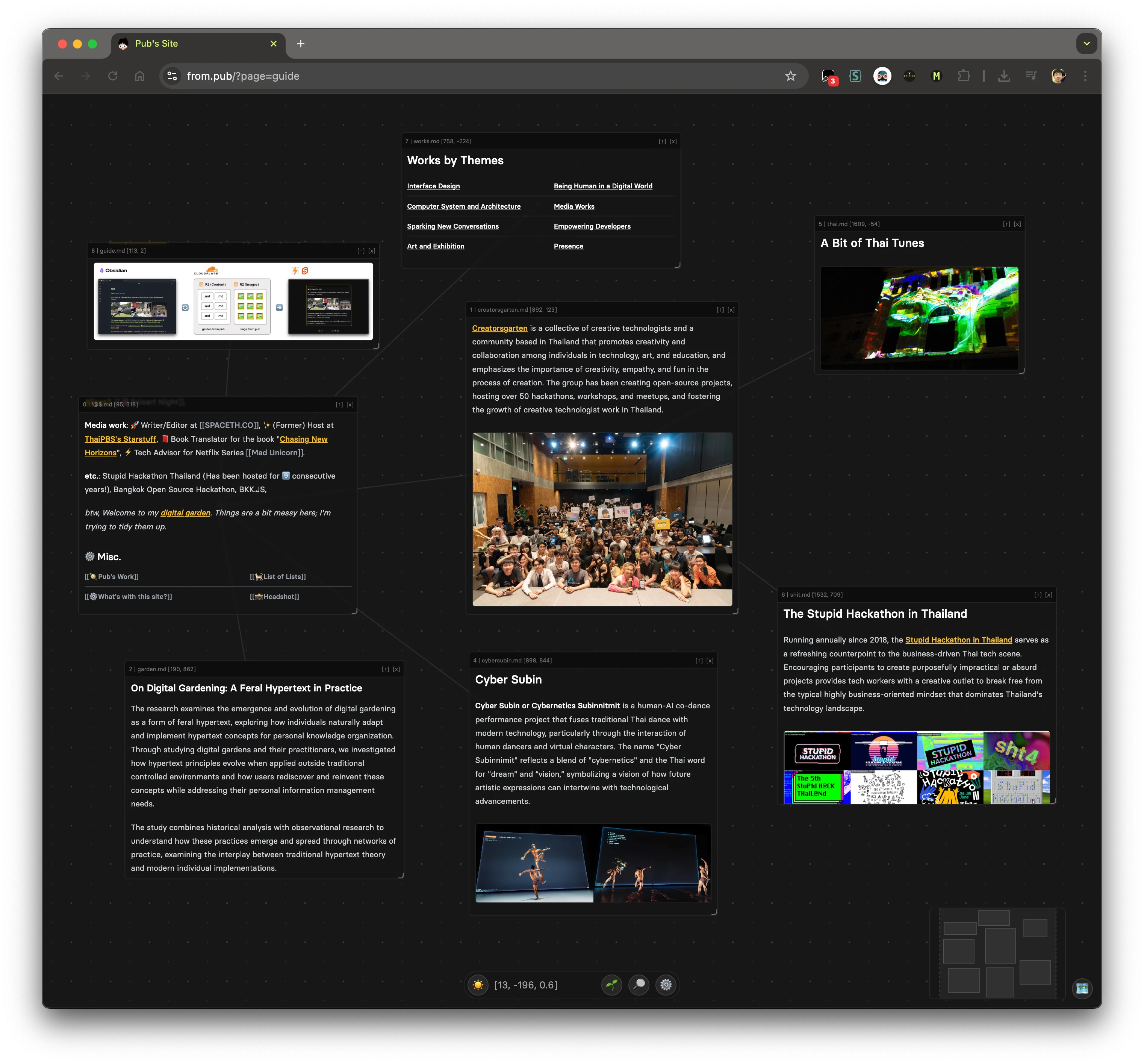
- Pub: interactive board layout
- p'Noom: Astro-based
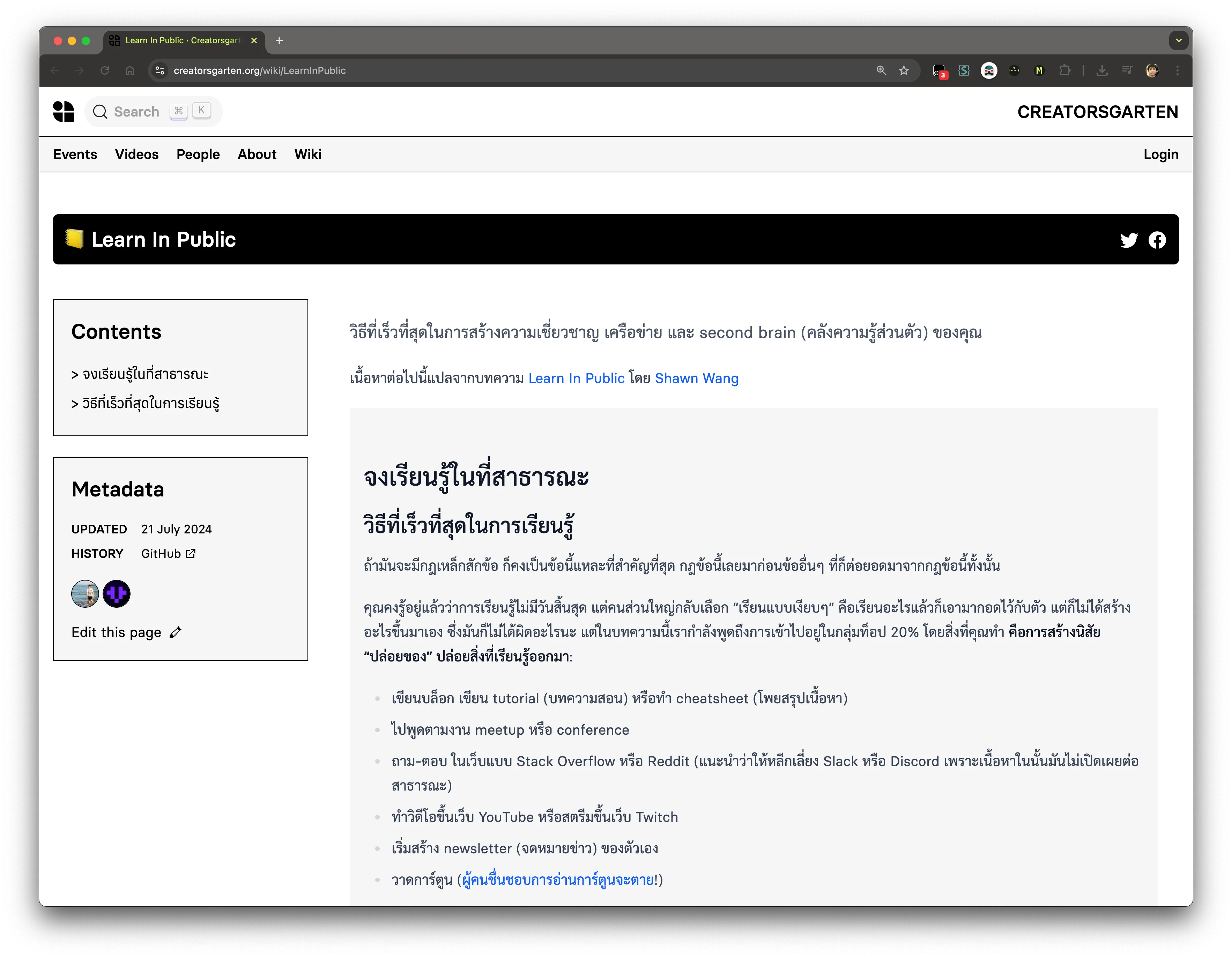
- Creatorsgarten Wiki: collectively maintained by Creatorsgarten
Q&A
- Digital gardens vs. blogs for SEO: I find personal optimization for findability and sharing more valuable than search engine optimization, but internal link-building naturally helps SEO as a side effect.
- Notion vs. Obsidian: Notion is easier to use, albeit slower; Obsidian is faster, more flexible with plugins, and offers data ownership, but requires more technical skills.
- Organizing large amounts of information: Instead of filing notes into folders (which forces content to be in one single place where there might not be one right place), a flat structure with linking allows content to belong to multiple contexts. Alternative approaches include tagging systems, properties with filters, or AI-powered search.